---
title: Passkey Authentication
description: Use WebAuthn passkeys as standalone passwordless authentication with biometrics, security keys, or device credentials.
sidebar:
order: 1
---
## Passkey authentication summary
- This section covers passkeys as a standalone passwordless authentication method based on WebAuthn, not passkeys used as an MFA factor.
- Users authenticate with a compatible authenticator, using a PIN, biometrics, a security key, or a cross-device flow instead of a password.
- WebAuthn requires a secure context and an RP ID and origin that match the deployment.
- Credential generation and credential validation can be customized.
## Overview
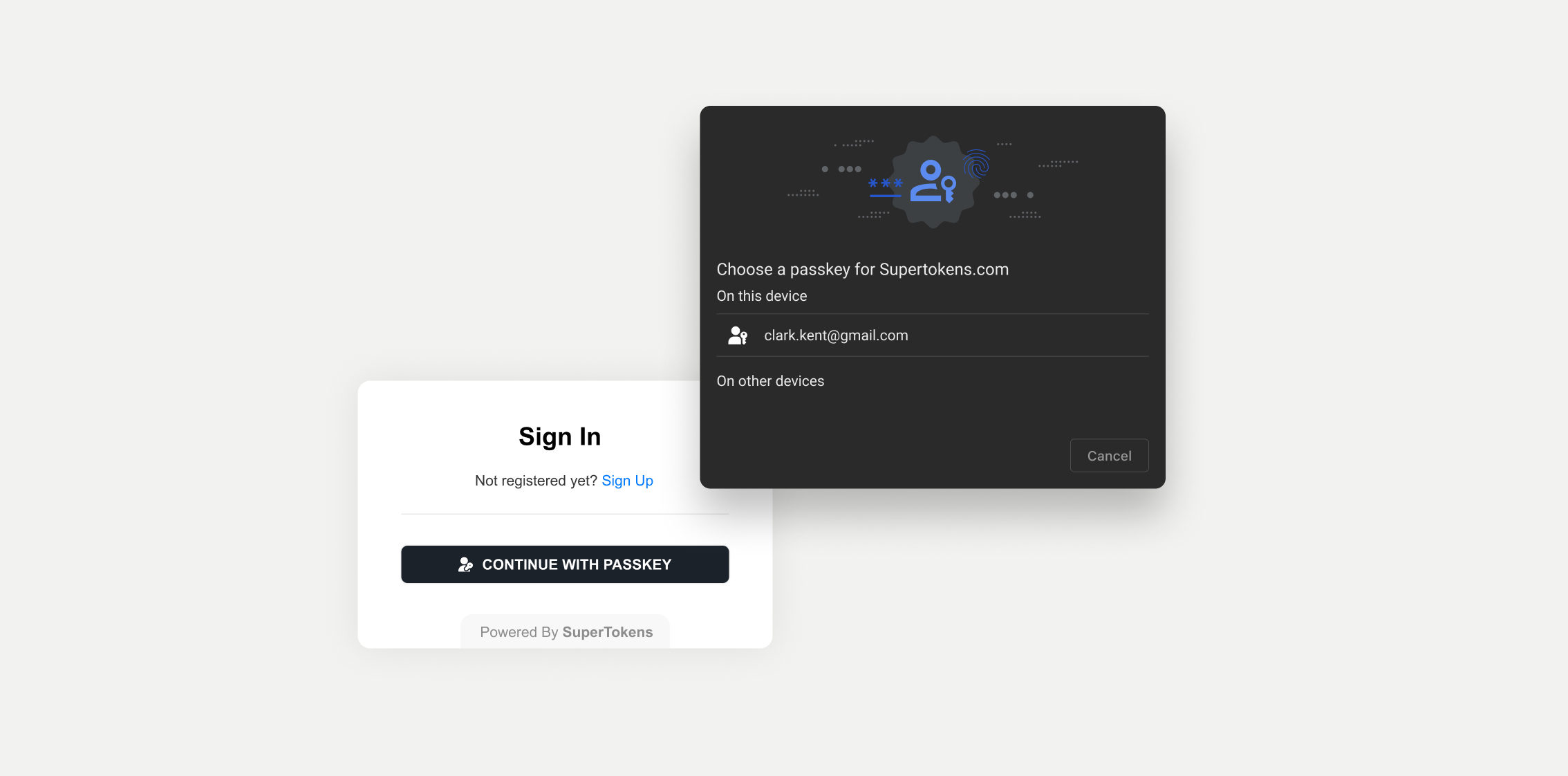
**Passkeys** are a passwordless authentication method based on the **WebAuthn**, Web Authentication, specification.
The standard allows users to log in using biometric authentication, security keys, or device-based credentials, replacing traditional username and password combinations.
 ## Prerequisites
Users need a compatible browser and authenticator. Depending on the authenticator, they may use a PIN, biometrics, a security key, or a cross-device flow.
WebAuthn is available only in a [secure context](https://developer.mozilla.org/en-US/docs/Web/Security/Secure_Contexts), normally HTTPS, with limited exceptions such as localhost.
Your relying party (RP) ID and origin must also match the frontend deployment; see the [customization guidance](/authentication/passkeys/customization#backend-recipe-configuration).
## Getting started
Before going into the actual quickstart guide, read through the [**Important Concepts** page](/authentication/passkeys/important-concepts).
It provides a high-level overview of the terms and concepts used in the passkeys authentication flow.
Go through a quick summary of the WebAuthn specifications to get accustomed with the language used in the guides.
Implement an authentication flow that uses passkeys to log in users.
## Customization
To adjust the functionality to fit your use case you can explore different sections from the documentation.
Read through all the options that you can set during the initialization step.
See how you can adjust the process that generates credentials.
Discover how to customize the validation process.
## Prerequisites
Users need a compatible browser and authenticator. Depending on the authenticator, they may use a PIN, biometrics, a security key, or a cross-device flow.
WebAuthn is available only in a [secure context](https://developer.mozilla.org/en-US/docs/Web/Security/Secure_Contexts), normally HTTPS, with limited exceptions such as localhost.
Your relying party (RP) ID and origin must also match the frontend deployment; see the [customization guidance](/authentication/passkeys/customization#backend-recipe-configuration).
## Getting started
Before going into the actual quickstart guide, read through the [**Important Concepts** page](/authentication/passkeys/important-concepts).
It provides a high-level overview of the terms and concepts used in the passkeys authentication flow.
Go through a quick summary of the WebAuthn specifications to get accustomed with the language used in the guides.
Implement an authentication flow that uses passkeys to log in users.
## Customization
To adjust the functionality to fit your use case you can explore different sections from the documentation.
Read through all the options that you can set during the initialization step.
See how you can adjust the process that generates credentials.
Discover how to customize the validation process.